简洁美观的静态博客主题推荐
Vercel静态博客主题:https://vercel.com/templates?type=blog
HEXO 主题
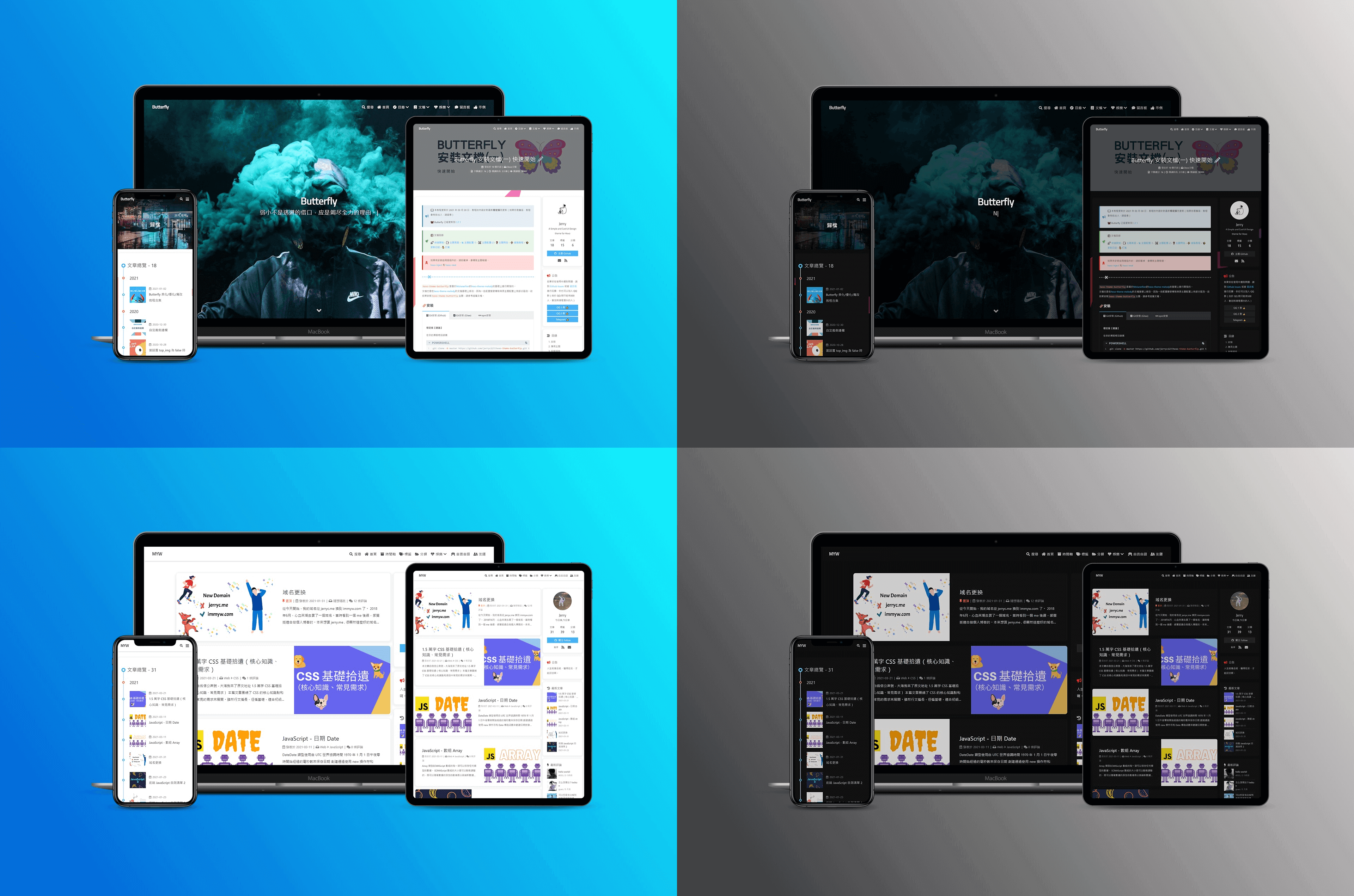
Butterfly
Butterfly:https://github.com/jerryc127/hexo-theme-butterfly?tab=readme-ov-file
预览地址:https://butterfly.js.org/
Hexo-theme-anzhiyu
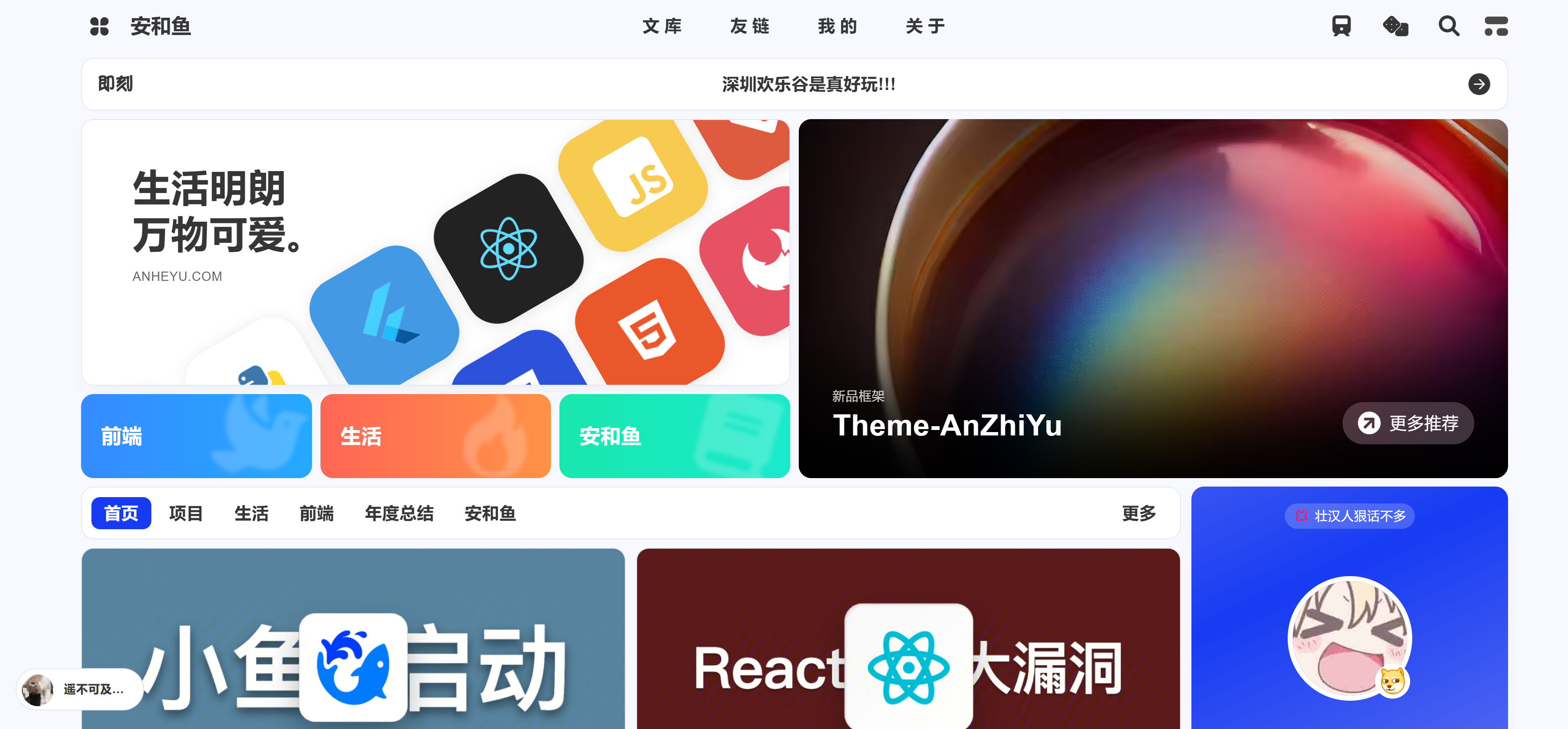
安知鱼主题 是基于 Hexo 的一款 简单、美丽 的主题,由 安知鱼 负责开发与维护。
主题 GitHub: https://github.com/anzhiyu-c/hexo-theme-anzhiyu
文档: 📖 anzhiyu Docs
一款基于hexo-theme-butterfly修改的主題
如果你希望有一个类似于wordpress的可以后台编辑的,那么你可以看看这个项目 安和鱼
预览地址 :https://blog.zhheo.com/
HUGO 主题
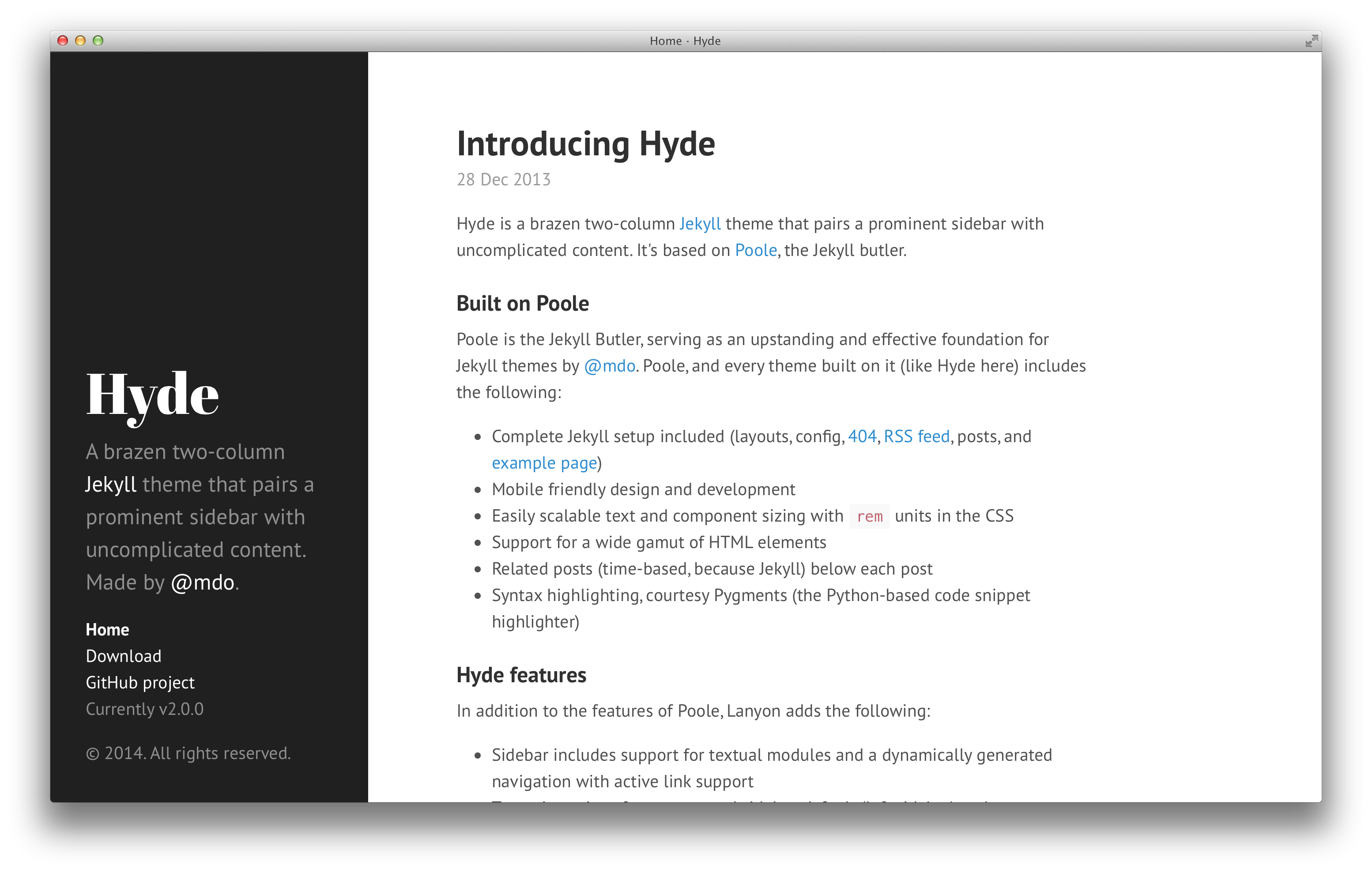
Hyde
Hyde:https://github.com/spf13/hyde?ref=arslan.io
arslan.io customizations
arslan.io customizations:https://arslan.io/2017/11/30/notes-about-migrating-to-hugo/?utm_source=chatgpt.com
arslan.io customizations 对博客做了几项定制。用了优秀的海德主题作为基础,但正如你所见,它有很大不同。那是因为我已经彻底改变了所有东西。一些显著变化:
- 去掉侧边栏,加了一个标题
- 新增两页,关于和存档
- 摘要旁边添加了特色图片
- 各种 CSS 改进以符合我个人喜好
其中一些值得提供更多信息
特色图片
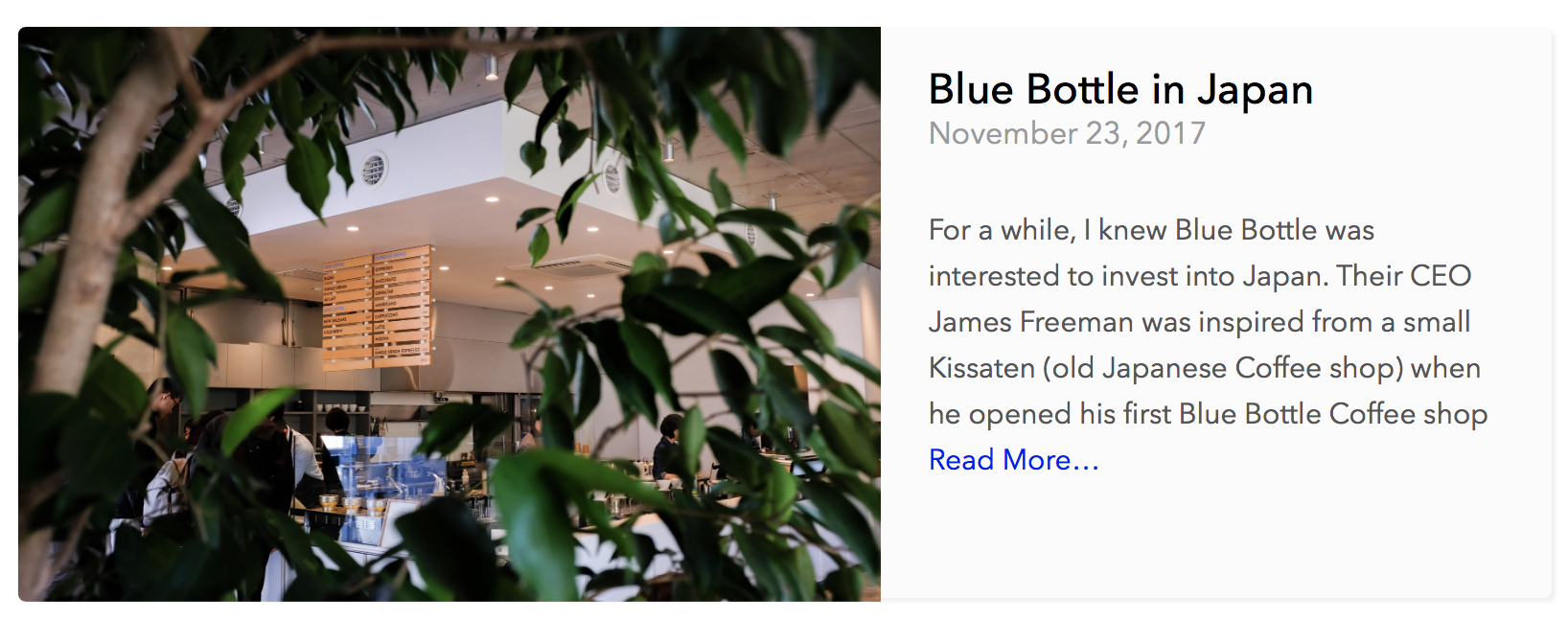
一些显著的自定义功能是“带有摘要的精选图片”。为此,我在index.html(首页)布局中添加了以下代码:
<div class="post-thumbnail">
    {{ if .Params.featured_image }}
    <div class="post-thumbnail-image-box">
        <a href="{{ .Permalink }}">
            <img{{ with .Params.featured_image }} class="post-thumbnail-image" src="{{ . }}"{{ end }} alt="{{ .Title }}">
        </a>
    </div>
    {{ end }}

    <div class="post-thumbnail-entry">
        <h1 class="post-title">
            <a href="{{ .Permalink }}">{{ .Title }}</a>
        </h1>
        <span class="post-date">{{ .Date.Format "January 2, 2006" }}</span>

        {{ if .Params.description }}
        <p class="post-thumbnail-desc">{{ .Params.description }} <a href="{{ .RelPermalink }}">Read More…</a></p>
        {{ end }}
    </div>
</div>这里重要的是参数和参数。这些是我在博客前言中使用的自定义参数。比如最近一篇评论里我有这个:.Params.featured_image .Params.description
+++
author = "Fatih Arslan"
comments = true
date = 2017-11-23T07:45:38Z
title = "Blue Bottle in Japan"
slug = "blue-bottle-in-japan"
url = "/2017/11/23/blue-bottle-in-japan/"
draft = false
featured_image = "/images/blue-bottle-in-japan-1.jpg"
description = "For a while, I knew Blue Bottle was interested to invest into Japan. Their CEO James Freeman was inspired from a small Kissaten (old Japanese Coffee shop) when he opened his first Blue Bottle Coffee shop"
+++
这就生成了以下小框(当然有一些 CSS 改进):
Astro 主题
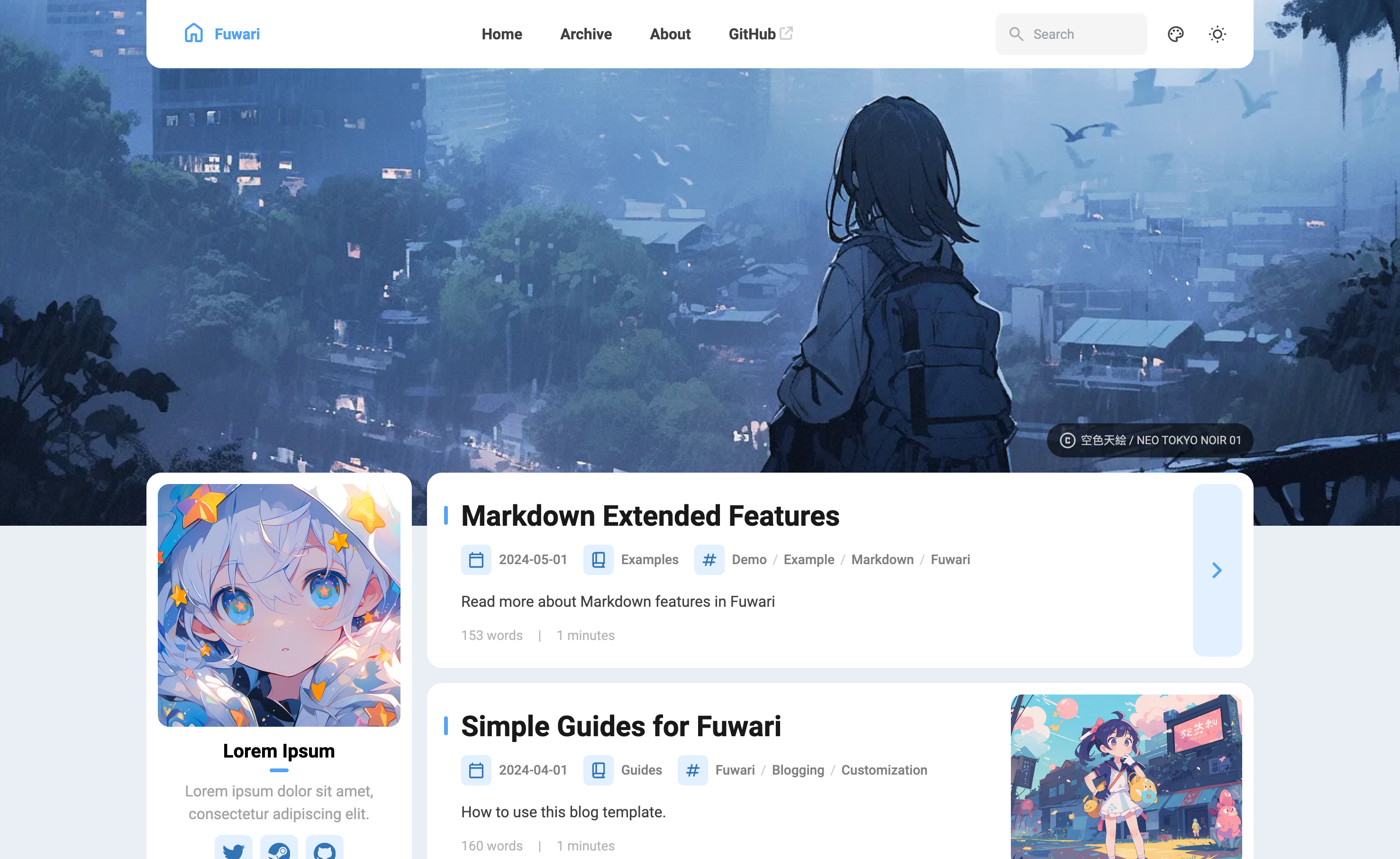
Fuwari
Fuwari:https://github.com/saicaca/fuwari/
预览地址:https://fuwari.vercel.app/
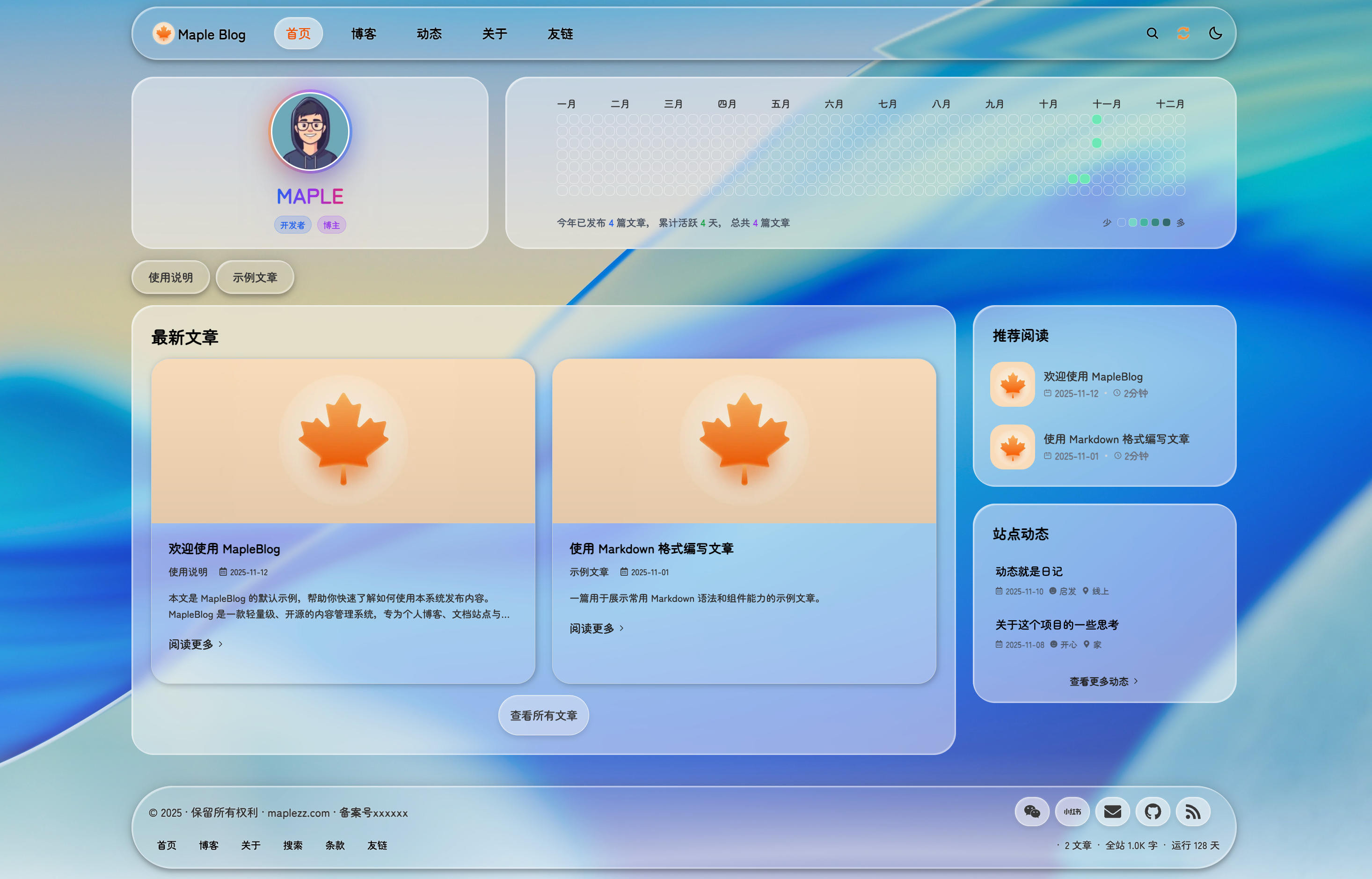
MapleBlog
MapleBlog:https://github.com/maplezzzzzz/MapleBlog
预览地址:https://maplezz.com/